

Hey there! As a supplier of Mobile Phone Connectors, I've seen my fair share of faulty connectors. In this blog, I'm gonna share some tips on how to identify a faulty mobile phone connector.
1. Physical Inspection
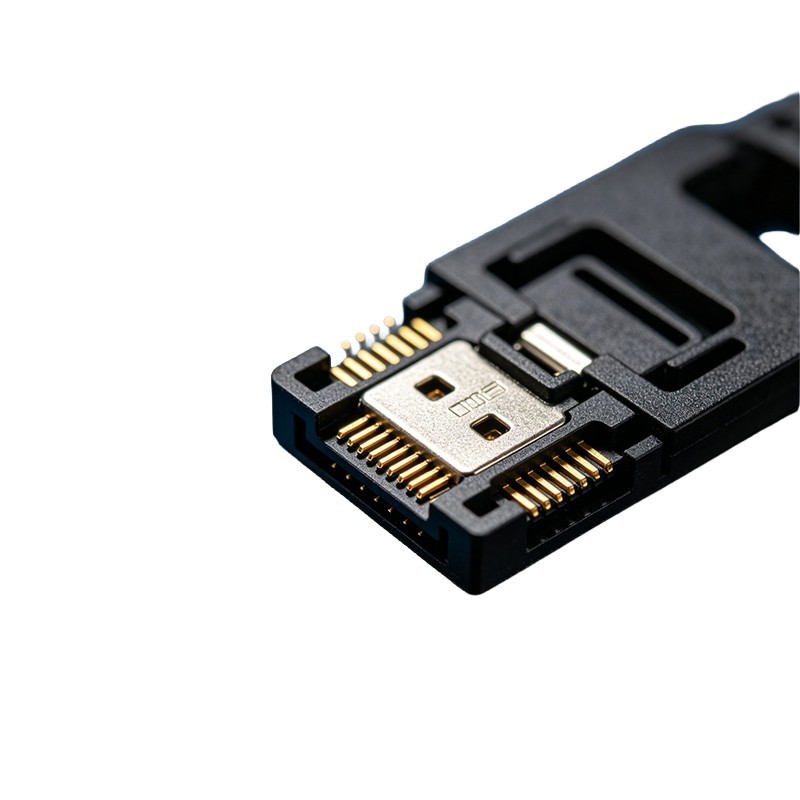
The first step in identifying a faulty connector is to give it a good physical look. Start by examining the connector on the phone itself. Check for any visible signs of damage like bent pins, broken parts, or corrosion. Bent pins are a common issue, especially if the phone has been dropped or the connector has been forcefully plugged in and out.
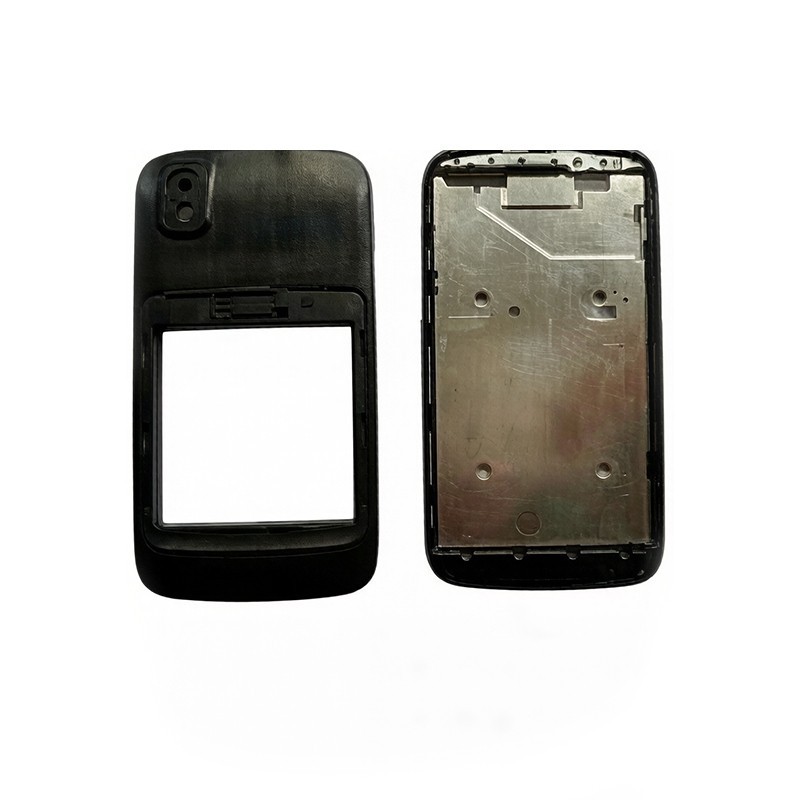
If you're dealing with a connector on a motherboard, take a close look at the Motherboard Cooler Bracket area around it. Sometimes, the bracket can put pressure on the connector, causing it to loosen or get damaged. A loose connector might not make proper contact, leading to connection issues.
Corrosion is another big problem. It can happen if the phone has been exposed to moisture or if it's been in a humid environment for a long time. Corroded connectors can prevent the proper flow of electricity, which means your phone might not charge, transfer data, or connect to other devices.
2. Functionality Tests
Once you've done the physical inspection, it's time to test the functionality of the connector. The most common test is the charging test. Plug your phone into a charger and see if it starts charging. If it doesn't, it could be a sign of a faulty connector. But don't jump to conclusions right away. First, make sure the charger is working properly. Try using a different charger and a different power outlet.
If the phone still doesn't charge, it's likely the connector. You can also try wiggling the charger cable while it's plugged in. If the charging starts and stops as you wiggle the cable, it's a clear indication that the connector has a loose connection.
Data transfer is another important function to test. Connect your phone to a computer using a data cable. Try transferring some files or syncing your phone with the computer. If the transfer is slow, interrupted, or doesn't work at all, the connector might be at fault.
3. Check for Interference
Sometimes, a faulty connector can cause interference with other components in the phone. One way to check for this is to look at the EMI Shielding Cover. The EMI shielding cover is designed to protect the phone's internal components from electromagnetic interference. If the connector is faulty, it might be causing electromagnetic interference that can affect other parts of the phone.
For example, you might notice that your phone's Wi - Fi or Bluetooth connection is unstable. This could be due to interference caused by a faulty connector. You can also check for strange noises or glitches on the phone's screen. These could be signs of electrical interference caused by a bad connector.
4. Compare with a Working Phone
If you have access to a similar working phone, this can be a great way to identify a faulty connector. Take the same charger and data cable that you're using with the suspect phone and try them on the working phone. If they work fine on the working phone but not on the suspect phone, it's likely that the connector on the suspect phone is faulty.
You can also compare the physical appearance of the connectors on both phones. If the connector on the suspect phone looks different, like it's more worn out or has visible damage, that's a strong indication of a problem.
5. Use Diagnostic Tools
There are some diagnostic tools available that can help you identify a faulty connector. Some phones have built - in diagnostic apps that can test the charging and data transfer functions. You can also use external diagnostic tools like a multimeter. A multimeter can measure the electrical resistance of the connector. If the resistance is too high or too low, it could mean that the connector is faulty.
However, using a multimeter requires some technical knowledge. If you're not comfortable using it, it's best to take your phone to a professional repair technician.
Why It's Important to Identify Faulty Connectors
Identifying a faulty connector early can save you a lot of trouble. A faulty connector can cause a range of problems, from slow charging to complete phone failure. If you ignore the problem, it could lead to more serious issues down the line, like damage to the phone's motherboard.
As a supplier of Mobile Phone Connectors, I know how important it is to have high - quality connectors. That's why we offer a wide range of connectors that are designed to be durable and reliable.
Contact Us for Purchasing
If you're in the market for mobile phone connectors, whether it's for repair or manufacturing, we're here to help. Our connectors are made from high - quality materials and are rigorously tested to ensure they meet the highest standards. We offer competitive prices and excellent customer service.
If you have any questions or want to discuss your purchasing needs, feel free to reach out. We're always happy to talk about how our products can meet your requirements.
References
- Mobile Phone Repair Manuals
- Electronics Engineering Textbooks
- Industry Reports on Mobile Phone Components