

When it comes to the world of mobile phones, the compatibility of connectors is a crucial aspect that often goes unnoticed by many users. As a supplier of Mobile Phone Connectors, I've witnessed firsthand the challenges and importance of ensuring that connectors are compatible with new phone models. In this blog, I'll share some insights on how to check the compatibility of a mobile phone connector with a new phone model.
Understanding the Basics of Mobile Phone Connectors
Before delving into the compatibility checking process, it's essential to understand the different types of mobile phone connectors. There are various connectors, such as USB-C, Lightning, Micro-USB, and proprietary connectors. Each connector has its own design, pin configuration, and electrical specifications.
The USB-C connector has become increasingly popular in recent years due to its versatility and high-speed data transfer capabilities. It is a reversible connector, which means you don't have to worry about plugging it in the wrong way. Lightning connectors are exclusive to Apple devices and are known for their reliability and fast charging. Micro-USB connectors were once the standard for many Android devices, but they are gradually being replaced by USB-C.
Researching the New Phone Model
The first step in checking the compatibility of a mobile phone connector is to research the new phone model. You can start by visiting the manufacturer's website or reading product reviews. Look for information about the phone's connector type, charging specifications, and data transfer capabilities.
For example, if you're considering a new Android phone, check if it supports USB-C or Micro-USB. Some phones may also support fast charging, which requires a specific type of connector and power adapter. By understanding the phone's specifications, you can narrow down the list of compatible connectors.
Checking the Connector's Specifications
Once you have identified the phone's connector type, the next step is to check the specifications of the connector you're considering. Look for information about the connector's pin configuration, voltage, and current ratings. These specifications should match the requirements of the new phone model.
For instance, if the phone requires a USB-C connector with a specific voltage and current rating, make sure the connector you're using meets those requirements. Using an incompatible connector can not only prevent the phone from charging or transferring data but also damage the phone's battery or internal components.
Physical Compatibility
In addition to electrical compatibility, physical compatibility is also important. The connector should fit properly into the phone's port without any loose connections or wiggling. Check the size and shape of the connector to ensure it matches the phone's port.
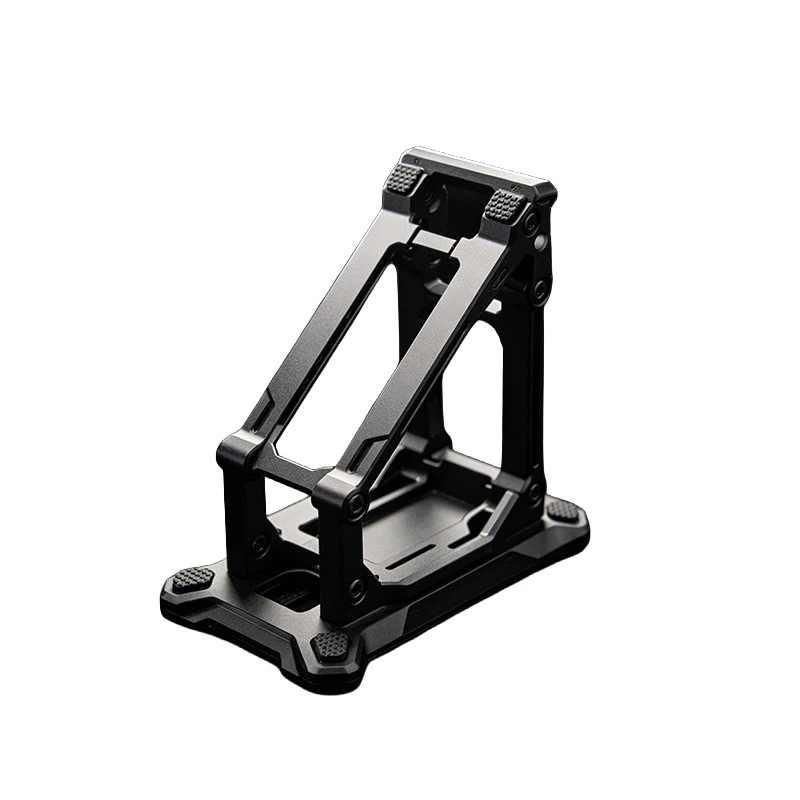
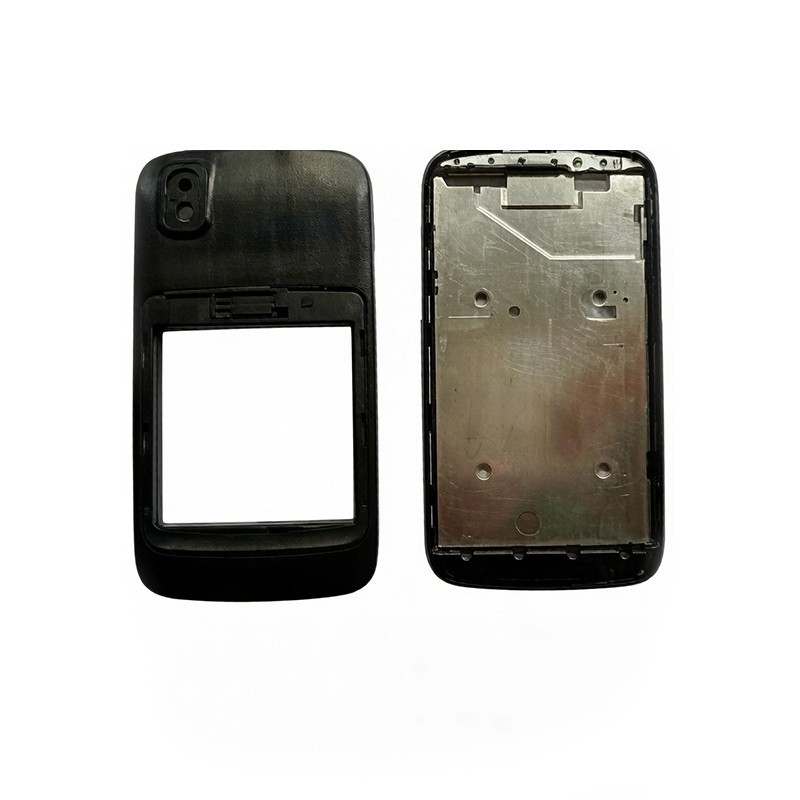
Some phones may have unique port designs or require a specific type of connector housing. For example, some phones have a recessed port that requires a connector with a specific length or shape. Make sure to choose a connector that is designed to fit the phone's port perfectly.
Testing the Connector
Once you have selected a connector that meets the electrical and physical requirements, it's time to test it. Connect the connector to the phone and see if it charges or transfers data properly. If the phone doesn't charge or transfer data, there may be an issue with the connector or the phone's port.
You can also try using the connector with other devices to see if it works properly. If the connector works with other devices but not with the new phone model, it's likely that there is a compatibility issue.
Considering Additional Accessories
In some cases, you may need to use additional accessories to ensure compatibility. For example, if the phone requires a specific type of power adapter, make sure to use the recommended adapter. You may also need to use a cable extender or adapter to connect the connector to the phone.
Motherboard Mounting Bracket and Motherboard Retention Bracket can also play a role in ensuring the proper installation and connection of the connector. These brackets help to secure the connector in place and prevent it from coming loose.
Seeking Professional Help
If you're still unsure about the compatibility of a mobile phone connector with a new phone model, it's always a good idea to seek professional help. You can contact the phone manufacturer's customer support or a professional technician for advice.
They can provide you with more information about the phone's specifications and recommend the best connector for your needs. They can also help you troubleshoot any compatibility issues you may encounter.
Conclusion
Checking the compatibility of a mobile phone connector with a new phone model is an important step in ensuring the proper functioning of your phone. By understanding the basics of mobile phone connectors, researching the new phone model, checking the connector's specifications, testing the connector, considering additional accessories, and seeking professional help when needed, you can find the right connector for your phone.
As a supplier of Mobile Phone Connectors, we are committed to providing high-quality connectors that are compatible with a wide range of phone models. If you have any questions or need assistance in finding the right connector for your phone, please don't hesitate to contact us. We look forward to helping you with your mobile phone connector needs.
References
- Mobile phone manufacturers' websites
- Product reviews and user forums
- Technical documentation and specifications provided by connector manufacturers