

Hey there! I'm a supplier of industrial USB connectors, and today I wanna chat about the installation requirements for these nifty little devices. Industrial USB connectors are super important in all sorts of industrial settings, from manufacturing plants to automation systems. They help us transfer data and power reliably, but getting the installation right is key to making sure they work their best.
Environmental Considerations
First off, let's talk about the environment where these connectors are gonna be installed. Industrial environments can be pretty tough on equipment, so we need to take that into account.
Temperature and Humidity
Extreme temperatures and high humidity can really mess with the performance of industrial USB connectors. For example, if it's too hot, the plastic parts of the connector might start to melt or warp, which can lead to poor connections. On the other hand, if it's too cold, the materials can become brittle and break easily.
Most industrial USB connectors are designed to work within a certain temperature range, usually between -20°C to 60°C. But if you're working in an environment that's outside of this range, you might need to look for connectors that are specifically rated for extreme temperatures.
Humidity is another factor to consider. High humidity can cause corrosion on the metal contacts of the connector, which can lead to signal loss or even complete failure. To prevent this, you can use connectors with a high IP (Ingress Protection) rating. An IP rating tells you how well a device is protected against dust and water. For example, an IP67-rated connector is dust-tight and can be submerged in water up to 1 meter for 30 minutes.
Dust and Debris
Industrial settings are often full of dust, dirt, and other debris. This can get into the connectors and cause problems. To prevent this, you can use connectors with a sealed design. A sealed connector has gaskets or O-rings that prevent dust and debris from getting inside.
You can also use cable glands to seal the cables where they enter the connector. Cable glands help to keep dust and moisture out of the connector and protect the cables from damage.
Mounting and Placement
The way you mount and place your industrial USB connectors is also important. Here are some things to keep in mind:
Mounting Options
Most industrial USB connectors come with different mounting options, such as panel mount, wall mount, or chassis mount. You need to choose the right mounting option based on your application.
For example, if you're installing the connector on a control panel, a panel mount connector would be a good choice. If you're mounting it on a wall, a wall mount connector would work better.
Make sure you follow the manufacturer's instructions when mounting the connector. This will ensure that it's installed securely and that the connections are reliable.
Placement
The placement of the connector can also affect its performance. You should avoid placing the connector near sources of electromagnetic interference (EMI), such as motors, transformers, or power supplies. EMI can cause signal distortion and affect the reliability of the data transfer.
You should also make sure that the connector is easily accessible for maintenance and replacement. If the connector is hard to reach, it can be difficult to troubleshoot problems or replace the connector if it fails.
Electrical Requirements
Industrial USB connectors need to meet certain electrical requirements to work properly. Here are some of the key electrical requirements:
Voltage and Current Ratings
Each industrial USB connector has a specific voltage and current rating. You need to make sure that the voltage and current in your application are within the rated values of the connector.
If you exceed the voltage or current rating of the connector, it can cause overheating, damage to the connector, or even a fire hazard. So, always check the specifications of the connector before you install it.
Signal Integrity
Signal integrity is crucial for reliable data transfer. To ensure good signal integrity, you should use high-quality cables and connectors. The cables should have low impedance and be properly shielded to reduce electromagnetic interference.
You should also make sure that the cables are not too long. Long cables can cause signal attenuation, which can lead to data errors. If you need to use long cables, you might need to use signal boosters or repeaters to improve the signal quality.
Compatibility
Another important factor to consider when installing industrial USB connectors is compatibility. You need to make sure that the connectors are compatible with the devices and systems they're going to be connected to.
Device Compatibility
The connector needs to be compatible with the USB ports on the devices. Most industrial USB connectors are designed to be compatible with standard USB interfaces, such as USB 2.0 or USB 3.0. But you still need to check the specifications of the devices and the connectors to make sure they're a good match.
System Compatibility
The connector also needs to be compatible with the overall system. For example, if you're using the connector in an automation system, it needs to be able to communicate with the other components of the system, such as sensors, controllers, and actuators.
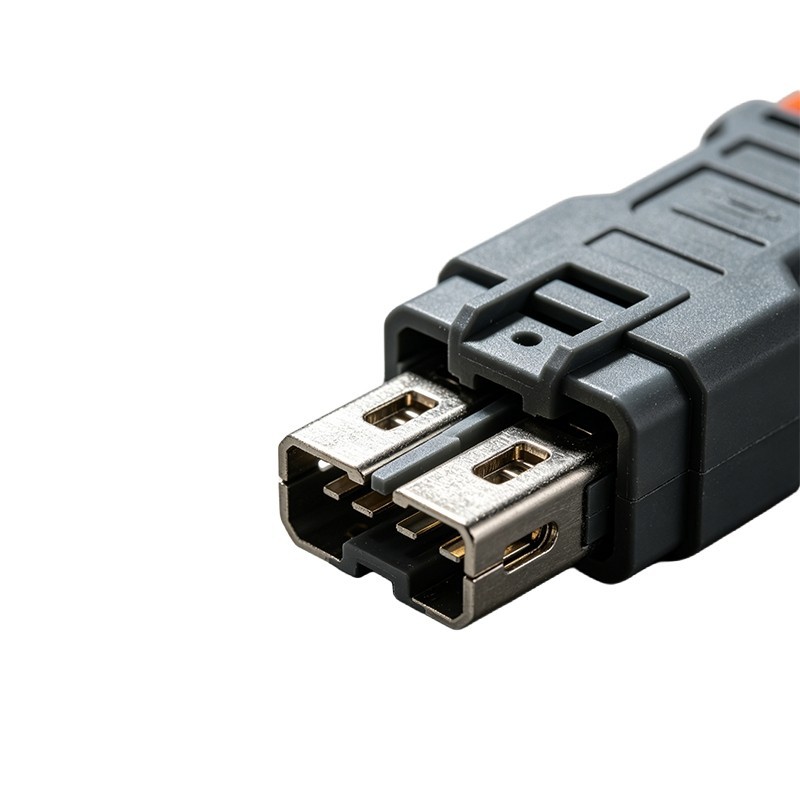
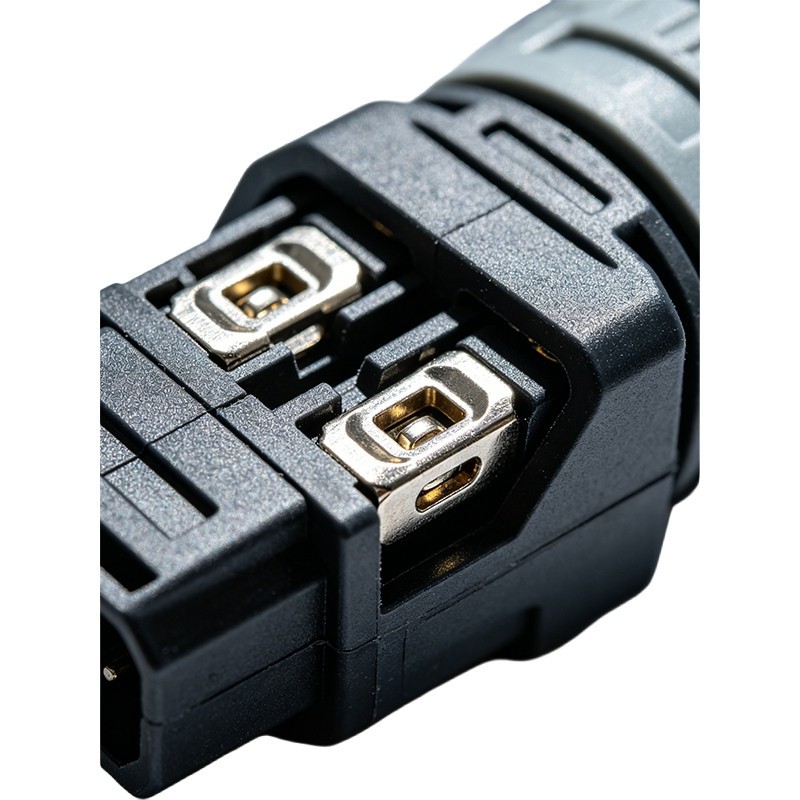
Installation Process
Now that we've covered the installation requirements, let's talk about the installation process itself. Here are the general steps to install an industrial USB connector:
- Prepare the Area: Make sure the installation area is clean and free of dust and debris. If necessary, use a cleaning solution to clean the area.
- Mount the Connector: Follow the manufacturer's instructions to mount the connector. Use the appropriate mounting hardware and make sure the connector is securely attached.
- Connect the Cables: Connect the cables to the connector. Make sure the cables are properly inserted and that the connections are tight. You can use a cable tester to check the connections.
- Test the Connection: Once the cables are connected, test the connection to make sure it's working properly. You can use a USB device, such as a flash drive or a keyboard, to test the connection.
Conclusion
Installing industrial USB connectors requires careful consideration of environmental factors, mounting and placement, electrical requirements, and compatibility. By following these installation requirements and the proper installation process, you can ensure that your industrial USB connectors work reliably and provide you with the data transfer and power capabilities you need.
If you're in the market for high-quality industrial USB connectors, we've got you covered. We also offer a range of other industrial connectors, such as Heavy Duty Terminal Connector, Heavy Duty 2 Pin Connector, and Heavy Duty Electric Cable Connectors. If you have any questions or need help with your connector needs, don't hesitate to reach out. We're here to help you find the right solutions for your industrial applications.
References
- Manufacturer's specifications for industrial USB connectors
- Industry standards for industrial connectors
- Electrical engineering textbooks on signal integrity and power requirements